OPERATOR'S MANUAL
The Remote Terraforming Interface is all you require to transform the inhabitable to the habitable from the comfort of your own arcology, orbital or virtual space.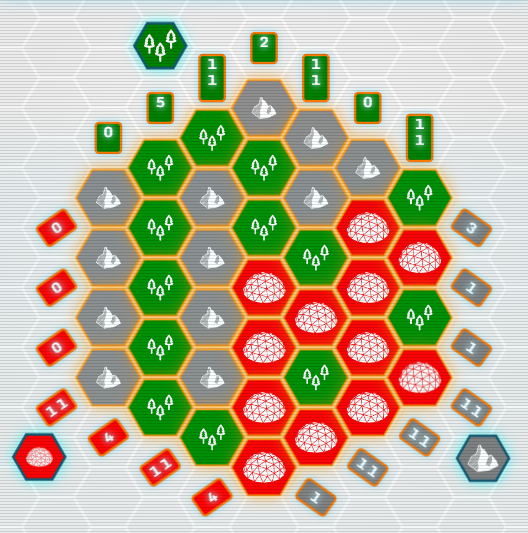
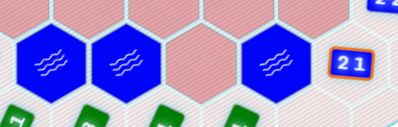
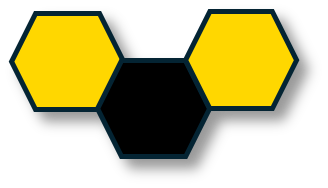
You are assigned a zone made of hexes which must be terraformed according to the specifications provided. Fill in each hex following the requirements for each row.
Each zone must be filled with three different terrain types.
Each row in the three directions specifies how many of a terrain type hex should appear and how they are grouped in that row. In this example "2 1" means 2 of the same terrain type, blue lake, next to each other and 1 on its own - in that order. A "0" means no hexes of that terrain type should appear in that row.

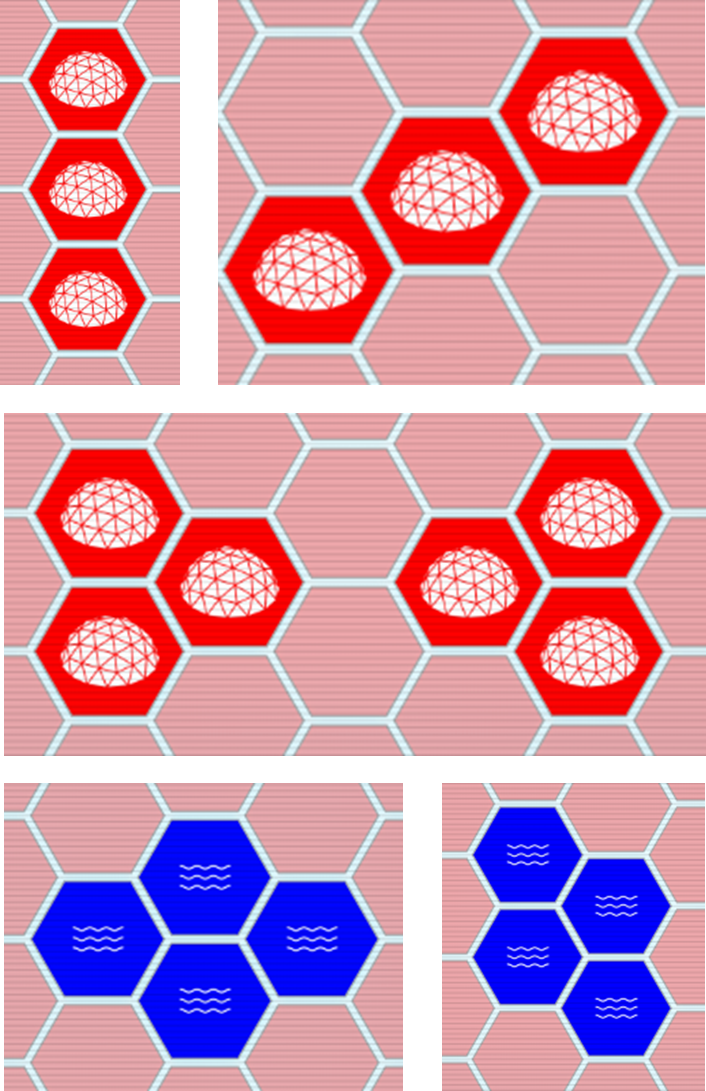
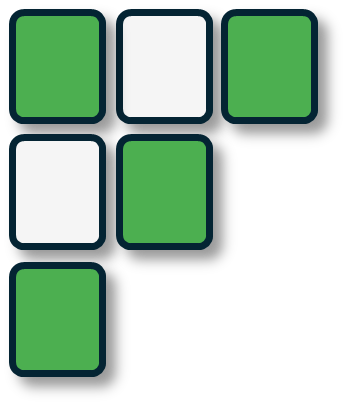
Additionally two of the terrain types must be in specific patterns, whilst the third can be placed freely.
In the above example guide there are two allowed patterns for red habitat hexes and one pattern for blue lakes. They may be rotated or mirrored.
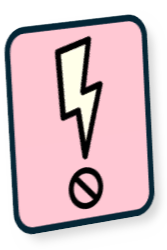
The red habitat patterns must NOT touch each other and this is denoted with the symbol in the guide. The blue lake hexes MAY touch.
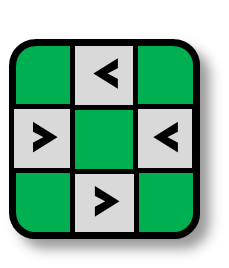
The planets and moons all have differing hexes and patterns.

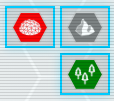
Cycle: When active clicking a hex cycles through the available terrain types for that hex. Right click cycles backwards. This is the default control.
Colours: When one of these is active clicking a hex sets it to that colour hex, or clears it.
Find Us


Subscribe to Puzzmallow
Enter your email address to receive updates on new puzzles and features.





TERRAFORMATION
TITAN